
Home / Lords Exchange App
Lords Exchange App — Fast Install in Three Taps, No Play Store
Getting the Lords Exchange app onto a phone takes three taps, not a trip to any store. There is no Play Store listing, and that is deliberate. Betting apps get pulled from Google Play in India, so the Lords Exchange app installs as a direct APK on Android or as a home-screen web app on iPhone. Same login, same balance, whichever route you pick.
Fast Sign-In or a Free New Lords Exchange ID
Already installed the app? Drop your details below and jump straight to the cricket board. New here — switch tabs for a fresh ID in one step.
How to Download the Lords Exchange App Fast
Two devices, two routes. On Android you grab an APK; on iPhone you pin the site to the home screen. The Lords Exchange app is the same product either way — the icon just gets there by a different door, and neither door leads through Google Play.
Two quick ways in. Ping the official WhatsApp and the APK file lands back in your chat within a couple of minutes — handiest if you dislike digging through menus. Or use the download link on the Lords Exchange site directly: on Android it saves the APK, while on iPhone the same site opens in Safari, where Share then Add to Home Screen does the job.
Whichever way you install, your Lords Exchange ID and wallet carry over. There is no separate app account. The app is a wrapper around the same site you would open in a browser, which means a bet you placed on the desktop shows up in the app the instant you sign in, with nothing left stranded on the other device.
Most Android phones from the last few years run it without fuss. You do not need the newest model or a fat data plan — the download itself is light, and once installed the Lords Exchange app leans on your connection only while a market is live. Weak signal on the ground floor? It reconnects on its own the moment the bars come back.
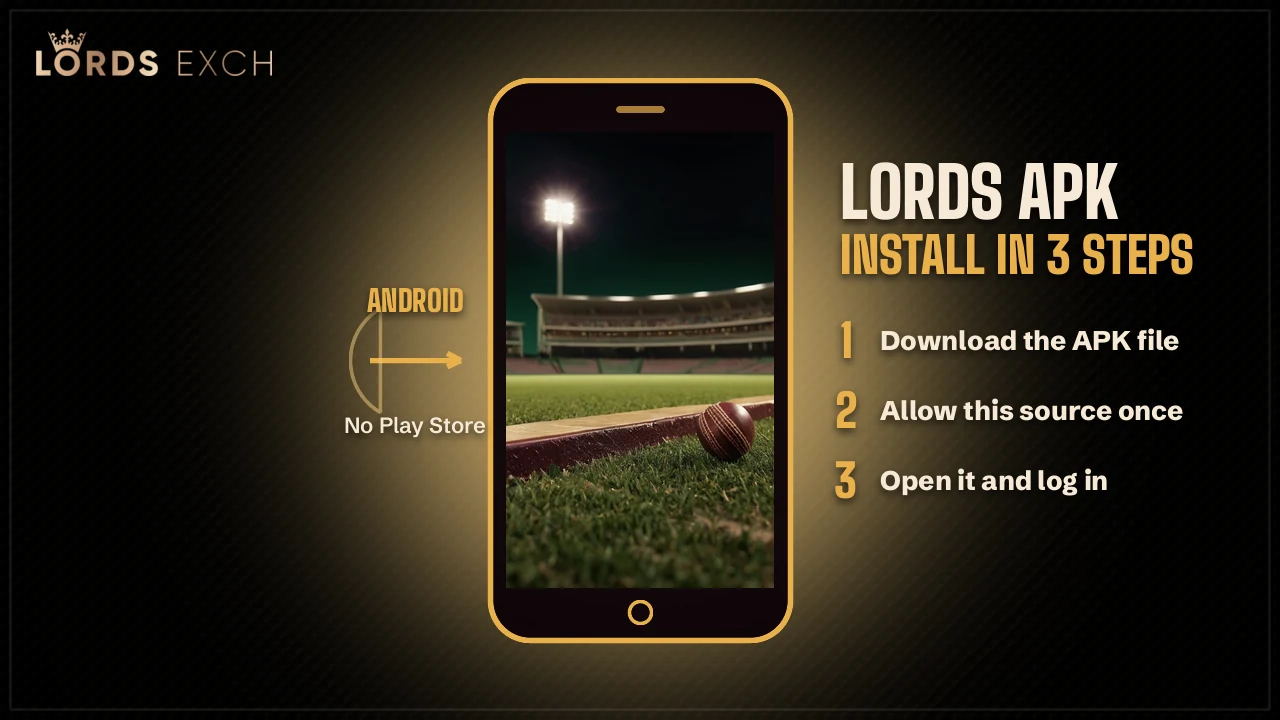
Three-Tap APK Install
- Tap the app download link on the Lords Exchange site.
- Allow installs from your browser when the phone asks.
- Open the file and tap Install — the crown icon lands on your screen.
Installing the Lords Exchange APK on Android Safely
Only one part of the Android install is unusual, and it is the permission prompt. The Lords Exchange APK arrives from the site or a WhatsApp link and sits in your downloads folder like any file. Tap it, and the phone checks whether this source is is allowed — that question shows up purely because the file skipped Google Play, which is normal for a sports exchange. Say yes, and the crown icon installs.
Flip the permission on once. Android remembers it after that, so you never repeat the step on updates, and the Lords Exchange app then opens like anythng else sitting in your drawer.
A common snag: the download stalls, or the file shows as blocked. Clear the old download, grab a fresh copy of the APK form the site, and retry. If your phone runs very tight on storage the install can fail without much warning, so free up a little space first. The APK also carries its own version number, which means an older file still opens after the site moves ahead — it simply prompts you to refresh. For anything the app itself refuses at the sign-in step, the login help lives over on the Lords Exchange login page.
If you have used any exchange app before, the flow feels familiar. The permission prompt is the only odd step, and it is a one-time thing per browser. Clear that browser data later and Android may ask again on the next update — one tap and you are back in the Lords Exchange app.
Quick iPhone Install for Lords Exchange
iPhone does not run APK files, so there is nothing to sideload. Open the Lords Exchange site in Safari, tap the Share icon at the bottom, scroll to Add to Home Screen, and confirm. A Lords Exchange icon appears next to your other apps and launches full screen — no browser bars, just the exchange.
This is a PWA, a web app that behaves like a native one. It updates itself when the site does, so you never chase a new version. Same account, same balance, same markets as the Android app and the desktop site. Battery and storage barely register it either, because the shortcut stores almost nothing and loads the live Lords Exchange site fresh every time you tap it. Older iPhones cope with it fine, since it is really just Safari behind a clean icon, so there is no fussy minimum version for most people.
If Add to Home Screen is missing from the Share sheet, you are probably in Chrome or another browser on iOS — the option only shows in Safari. Switch across, reopen Lords Exchange, and it appears. Want to check which addresses are the real thing before you pin one? The lordexch.com domain page lists the working access points, and a fresh account starts on the Lords Exchange ID page.
Lords Exchange App — quick search terms
Everything people type when they want the app on a phone, kept in one place.
Type lords exchange app download or lords exch app into a phone and you tend to end up on a page like this. The lords exchange apk download is the Android file; on an iPhone the lordexch app is a home-screen shortcut, not a download. There is no Play Store version, so a lords exchange app for android install means the APK, not a store page. For match markets after install, the Lords Exchange cricket board is where the odds sit, and the lordexch.com page covers same-balance access across devices.
- lords exchange app download / lords exch app
- lords exchange apk download for android
- lordexch app on iphone (add to home screen)
- lords exchange mobile app update
Updating the App and What Is Inside
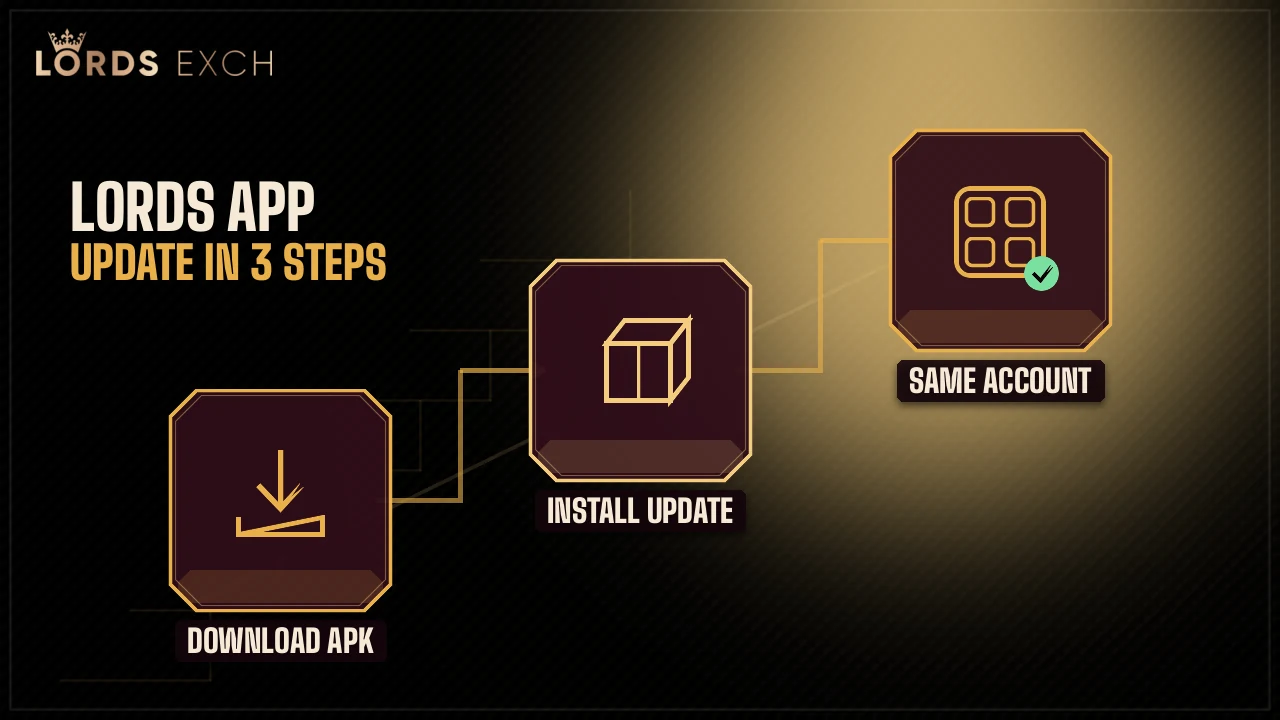
Updating depends on your device, and neither way is a chore. The iPhone PWA refreshes on its own with the site. The Android app, being an APK, updates when you reinstall from the same link — download the newest APK over the old one and your Lords Exchange login stays put. No wipe. No re-registration.
Open the Lords Exchange app and the tabs read Home, Exchange, Live Casino, Slots, and Crash. The exchange side is the cricket and sports book. The casino side pulls live tables from Evolution, Ezugi, CreedRoomz, Tembo, Premium Casino, and Red Carat, with roughly 19 Teen Patti tables running across those studios.
So the Lords Exchange app is not a stripped-down thing. Every market you would reach on the full site is there — cricket lines, live dealers, crash rounds — just sized for a thumb. Switching phones is painless, too: install the app on the new handset, sign in with the same ID, and every open bet and the full balance are already there, because none of that ever lived on the phone. If you need to sort out agent roles or a back-office view, that's handled separately from this install and starts at the account pages linked below.
One habit worth keeping. If odds ever look frozen, pull down to refresh or close and reopen the Lords Exchange app — that clears a a stale market far quicker than reinstalling anything. Result and settlement notifications can be switched on from the account menu, and they draw next to no battery.
Lords Exchange App — Common Questions
How do I download the Lords Exchange app?
Is there a lords exch APK for Android?
Can I install Lords Exchange on iPhone?
- lords exchange app
- lords exchange app download
- lords exch app
- lordexch app
- lords exchange apk
- lords exchange apk download
- lords exchange app for android
- lords exchange app iphone
- lords exchange app install
- lords exchange mobile app